
Automatic Tag Editor
2.2.4.16 by fillobotto (0 Reviews) November 14, 2025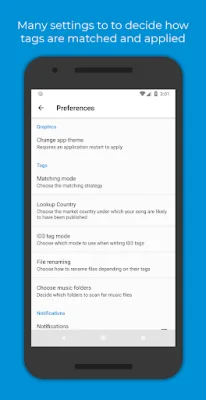
Latest Version
2.2.4.16
November 14, 2025
fillobotto
Tools
Android
0
Free
com.fillobotto.mp3tagger
Report a Problem
More About Automatic Tag Editor
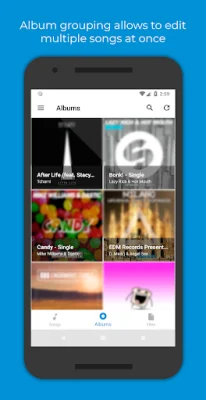
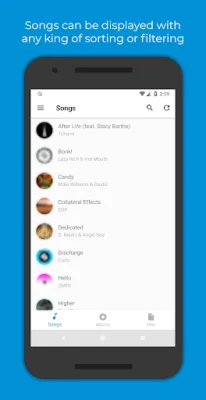
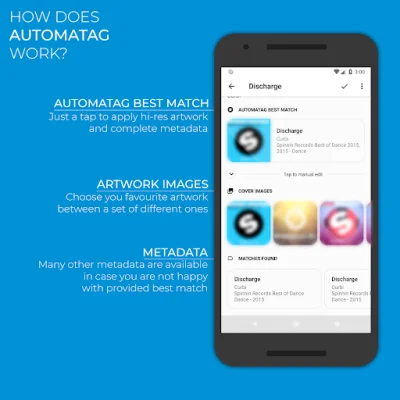
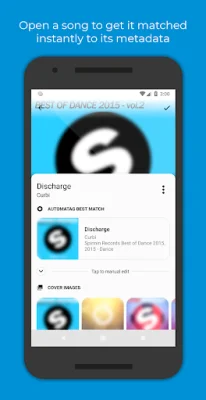
Say goodbye to manually editing your music tags! With Automatic Tag Editor, you can easily update and organize your music library in just a few seconds. This app analyzes your music library and suggests close tag matches for you to choose from. Simply tap on your preferred option and the tag will be updated. It's quick, easy, and guaranteed to save you time. Plus, you can even choose from a selection of high-resolution cover art images to use for your songs.
Automatic Tag Editor is the perfect tool for managing your music library. It updates the embedded tags in your music files, so you won't lose them when you transfer your files to a different device. This means you can keep your music organized and easily accessible no matter where you go.
With this app, you can edit all the important tag information for your songs, including title, artist, album artist, album, genre, year, track number, and more. You can even add lyrics and comments to your songs. This comprehensive tag editor ensures that all your music is properly labeled and organized.
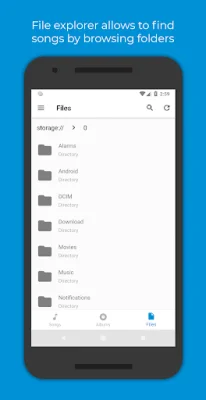
Automatic Tag Editor supports multiple audio formats, including mp3, m4a, ogg, flac, wma, and wav. This means you can use it to edit tags for all your music, regardless of the file type. And with the ability to edit files on your SD card, you can easily manage your music library on the go.
It's important to note that Automatic Tag Editor is not intended for music piracy. It is designed to help users recover metadata for songs they have legally purchased but may have lost the information for. The app and its staff do not support or condone music piracy in any way. So, use this app to keep your music library organized and legal. Try it out and see how much time and hassle it can save you!
Rate the App














Popular Apps









